CEO Chandigarh Voter List 2026: The Chief Electoral Officer (CEO) of Chandigarh manages and updates the city’s electoral rolls comprehensively. Citizens who wish to check, verify, or update their voter information should visit the official website (https://ceochandigarh.gov.in) where they may obtain the most recent electoral rolls, file changes, or apply for new voter registrations.
The electoral roll contains specific voter information such as name, address, and photograph, making identification clear and simple. The latest update attempts to eliminate discrepancies and allows users to track their progress or request changes via both online and offline channels.
CEO Chandigarh Voter List 2026: Overview
| Category | Details |
|---|---|
| Article Name | CEO Chandigarh Voter List 2026 PDF Download, Electoral Roll |
| State/UT | Chandigarh |
| Authority | Chief Electoral Officer, Chandigarh |
| Document Type | Electoral Roll/Voter List PDF |
| Year of Revision | 2026 (latest special intensive revision) |
| Official Website | ceochandigarh.gov.in |
| Last Date for Corrections | To be announced (check official portal for the latest) |
| How to Check Name | Online search by name/EPIC No. |
| PDF Download Availability | Yes |
| Voter List Includes | Name, Photo, Address, Voter ID, Polling booth details |
| Application Mode for Changes | Online (portal), Offline (Booth Level Officer/BLO) |
| Helpdesk/Contact | Voter Helpline 1950, CEO Office Contact via website |
| Address | NAGAR YOJNA BHAWAN, C-WING, GROUND FLOOR, SECTOR 18-A (MADHYA MARG), CHANDIGARH |
| Tel. Off | 2700322 |
| Email ID | ceo_chandigarh[at]eci[dot]gov[dot]in |
SIR Revision 2025
The Election Commission of India has initiated a Special Intensive Revision (SIR) of the electoral rolls in multiple states and union territories, including Chandigarh, as part of preparations for the 2026 assembly elections. The purpose of this program is to guarantee that all eligible citizens are listed and to remove ineligible entries from voter lists, including those that have migrated or are wrong.
The enumeration phase, which is administered by Booth Level Officers (BLOs), will go until December 22, 2025. Citizens are urged to check their entries and file claims or objections if errors are found. The final electoral rolls are scheduled for publication by February 7, 2026.
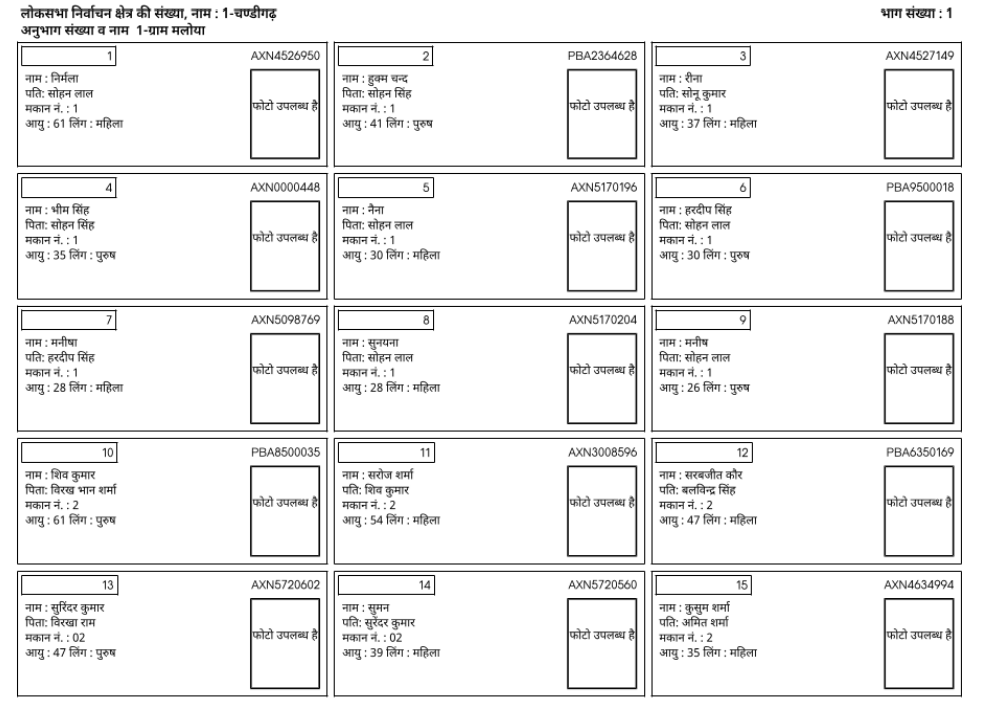
Download CEO Chandigarh Voter List 2025 Electoral Roll PDF
To download the Chandigarh voter list 2025 PDF, follow these steps:
Step 1: Visit the official website of the Chief Electoral Officer, Chandigarh at https://ceochandigarh.gov.in.

Step 2: On the homepage, search and click on the “Electoral Roll (PDF) 2025” or “Voter List Download” section.
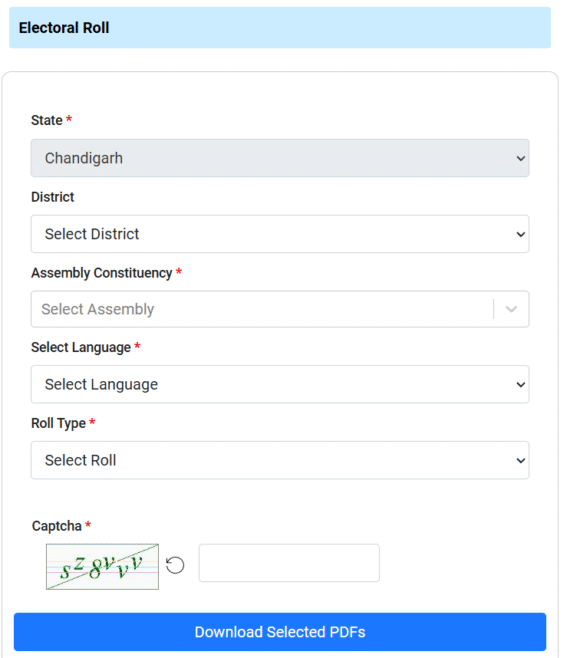
Step 3: Select your District, Assembly Constituency, Select Language, Roll Type and Part Number (Booth).
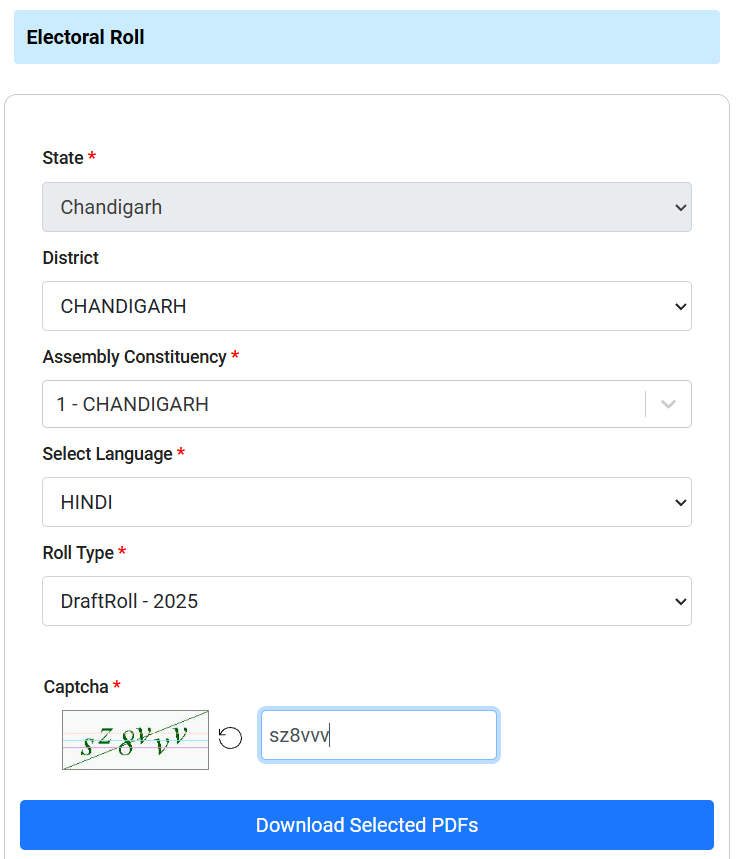
Step 4: Enter the provided captcha or security code if required. After that, click on Download Selected PDFs
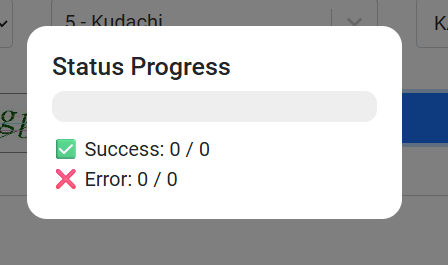
Step 5: Download the PDF file; the voter list will show names, addresses, and photos of eligible voters for your selected area.

Step 6: Open the PDF to verify if your name and details are present and correct.
Download Chandigarh Voter ID Card: How to Check Name in Voters List?
Step 1: Visit the official voter portal at https://voters.eci.gov.in.

Step 2: Click on ‘Search in Electoral Roll’ or ‘Search Your Name in Voter List’.
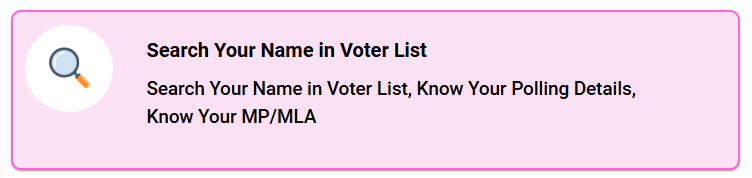
Step 3: Choose to search by either:
- Name, father’s/husband’s name, and age/date of birth
- EPIC (Voter ID) Number
- Area/Booth details (District, Assembly Constituency, Polling Booth)
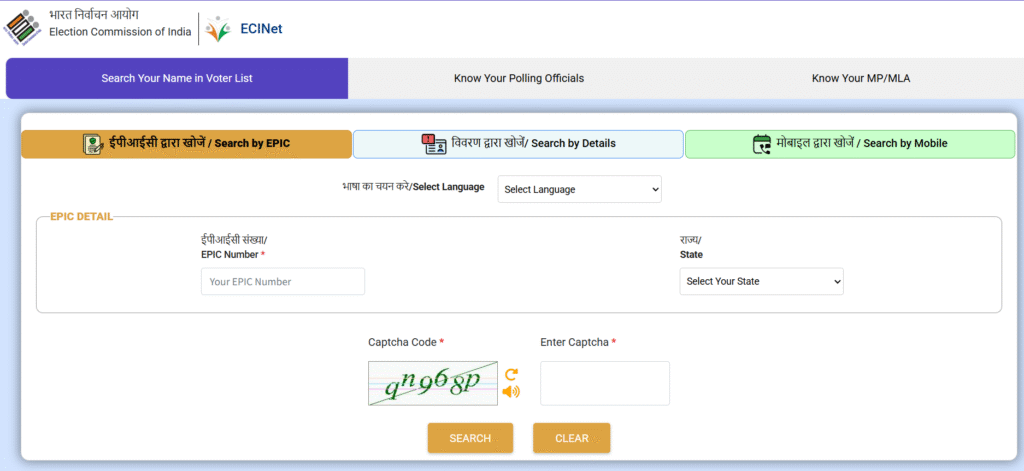
Enter your EPIC Number and Select State.
OR

Type voters name, relatives name, date of birth, age, gender, select district and assembly constituency
OR

Enter your Mobile number and OTP.
Step 4: Enter your details as required and complete the captcha verification.
Step 5: Click on search button and Voter’s details show on the screen.
Finally, Click on “Print Voter Information” and Download PDF file for future reference.
OR
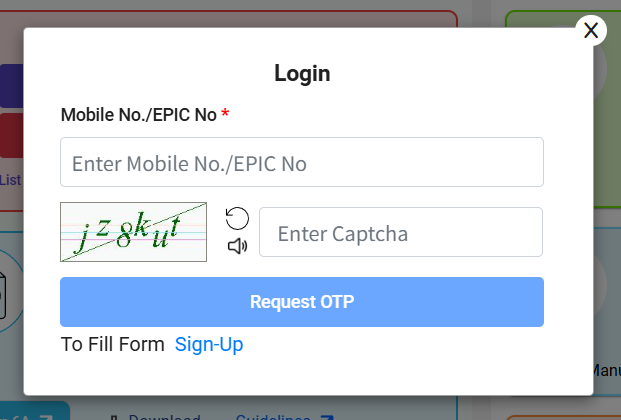
To download your digital Voter ID Card (e-EPIC), if eligible, follow the portal’s links and authenticate with a one-time password (OTP).
How to check your Chandigarh BLO/ERO/DEO and Polling Station Details?
Step 1: Visit the official website of the Chief Electoral Officer, Chandigarh at https://ceochandigarh.gov.in.
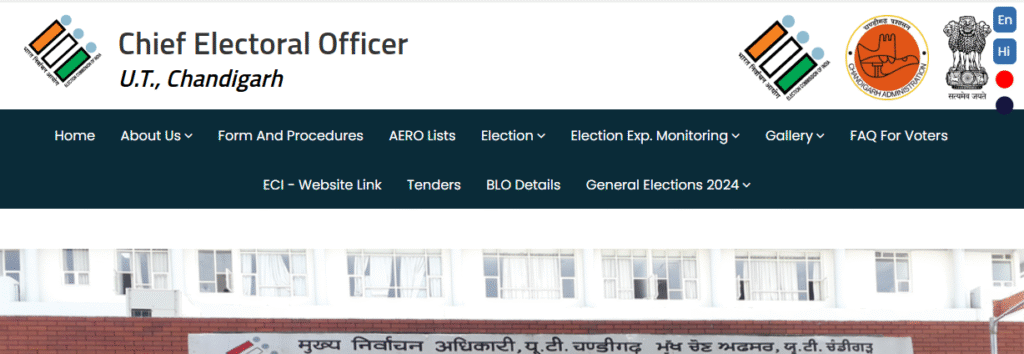
Step 2: After that, click on BLO Details Link given on Menu Option.
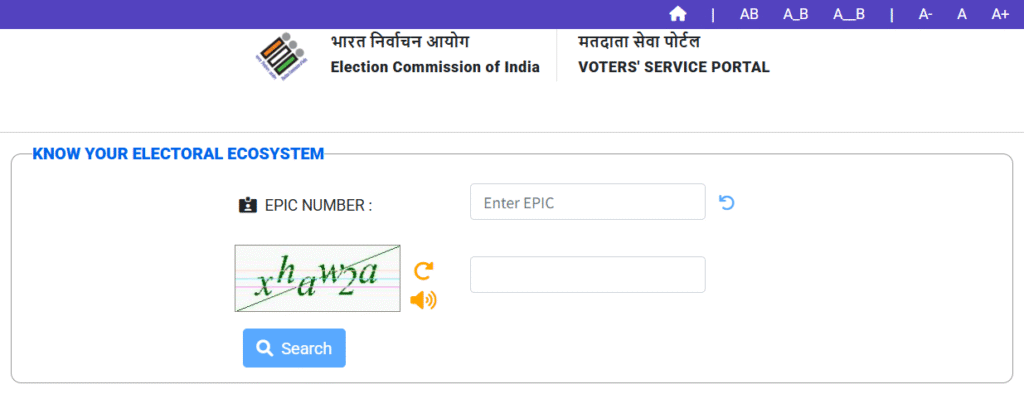
Step 2: Now, enter your EPIC number, Captcha and click on search button.
Step 3: Displayed the BLO/Electoral Officers Details, Assembly/Parliamentary Constituency Details on the screen.